How I Tested SocialPilot
I worked through SocialPilot in the order the product presents itself: the dashboard first, then account connections and groups, the composer and AI Pilot, video handling, scheduling, the calendar, and the setup options covering feeds, URL shortening and UTM parameters.
Some things I did not test directly, and it matters which. Advanced analytics, competitor reports, the Social Inbox, bulk import and several higher-tier workflow features were researched from SocialPilot’s own documentation rather than used. Where a section below rests on documentation rather than hands-on testing, it says so. Every screenshot on this page is from my own session.
The Dashboard Told Me What Needed Attention First
SocialPilot made its priorities clear as soon as I logged in. Instead of dropping me into an empty calendar, the dashboard gave me a snapshot of what needed attention: publishing activity, upcoming work, connected accounts, approval-related tasks, and quick access to creating a post.
That made the platform feel less like somewhere I would visit only when I needed to schedule something, and more like an operations dashboard for keeping several moving parts visible at once. A busy account rarely has only one problem: a post can be waiting for approval while another account needs reconnecting and a third campaign is already scheduled. Seeing that context before entering the calendar is genuinely useful for a team running several accounts.
Groups Made Sense Once I Thought in Brands, Not Profiles
The navigation is broad. Posts alone offers Create Post, Manage Posts, Calendar, Bulk Import, Pending Review and Drafts, with Calendar repeated in the main navigation. That felt redundant until I used it: scheduling is still the centre of the product even though the supporting workflows live elsewhere.
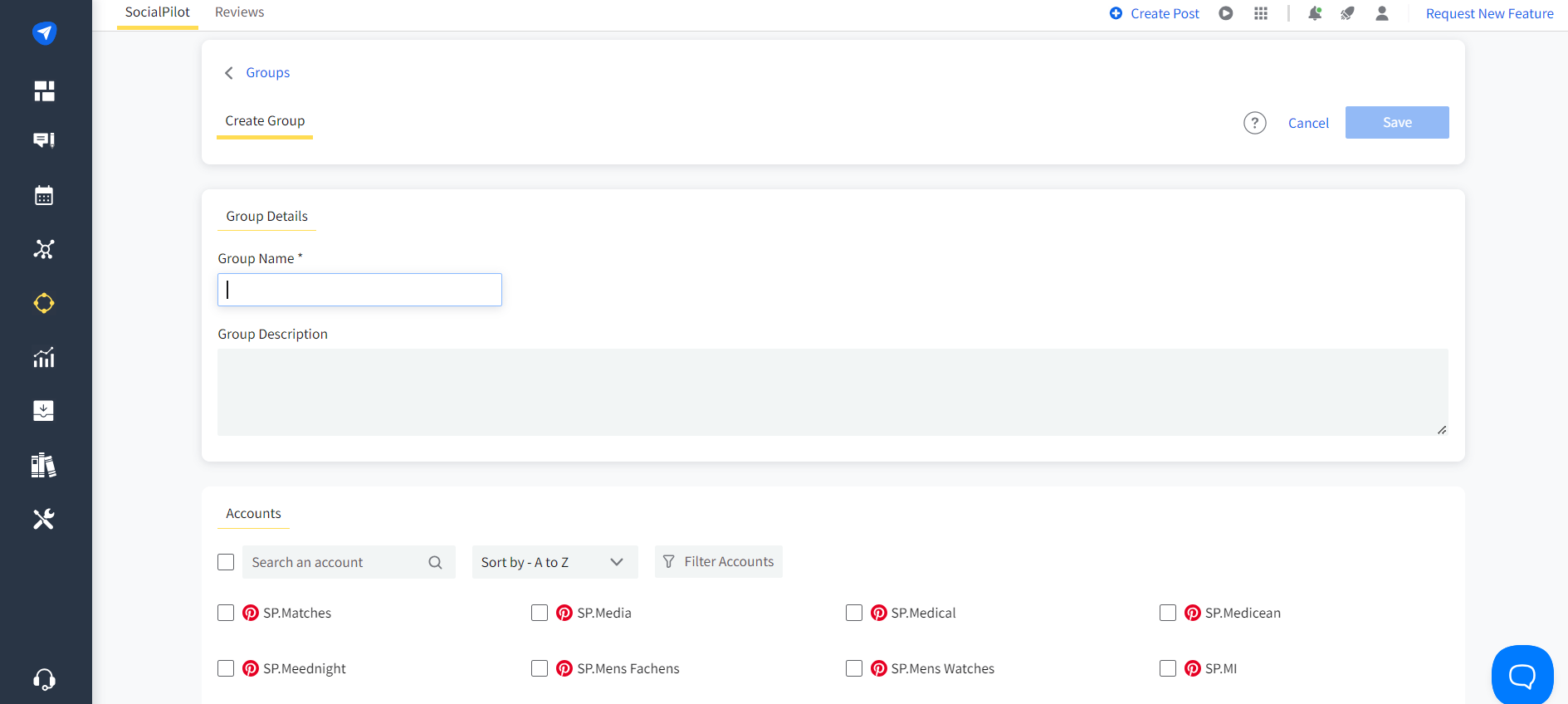
Accounts work the same way, separating Connect Account from Manage Accounts and adding Groups as another layer. A single business may have Facebook, Instagram, LinkedIn, Pinterest, TikTok and other profiles that belong together, and groups let the team work with the brand as a unit instead of repeatedly selecting individual profiles.
This is the kind of feature that sounds administrative until the account list gets long. Once several clients are involved, selecting the wrong profile becomes a real risk. The connection screen covers Facebook, Instagram, Google Business Profile, LinkedIn, YouTube, TikTok, X, Pinterest, Threads, Bluesky and Tumblr, so mixed portfolios are handled rather than assumed away.
The Composer Was Familiar, but AI Pilot Sat Inside It
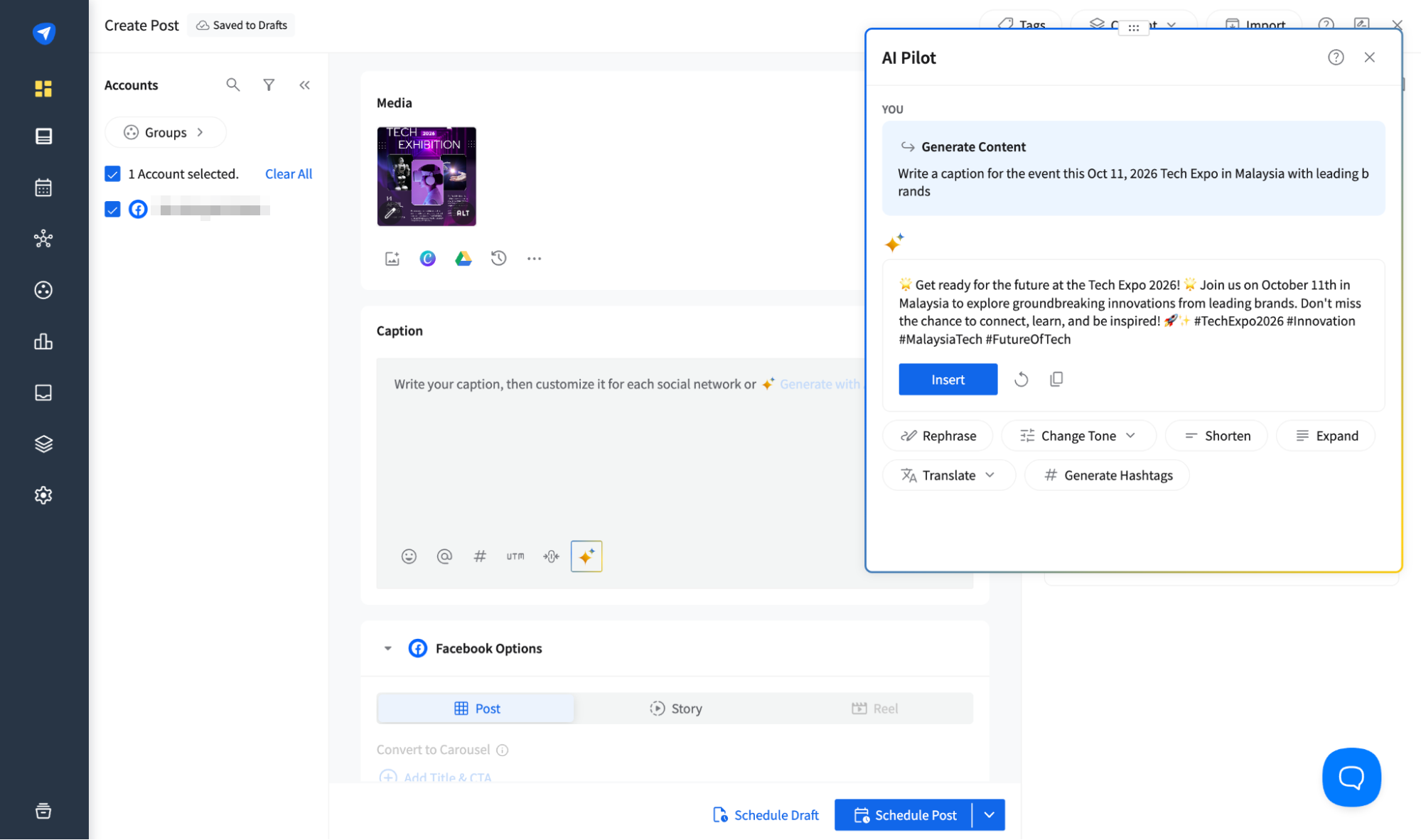
The Create Post screen is straightforward: select an account, add media, write the caption, preview, schedule. AI Pilot is what changed the experience.
I gave it a simple event prompt and it generated a full caption with hashtags. The result was a useful starting point that still needed direction, and like most AI writing tools the quality depended heavily on how specific the prompt was. The generated copy had the usual tendencies: broad language, promotional phrasing, and hashtags worth checking.
That did not bother me, because I do not expect an assistant to know a brand voice from one short prompt. What mattered was where it sat. AI Pilot can rephrase, change tone, shorten, expand, translate and generate hashtags before inserting the result, and once inserted the caption lands in the normal composer where it can still be edited against the social preview.
Compared with SocialBee, the previous scheduler in our Hands-On Reviews, which used AI earlier in the workflow to help structure content categories and planning, SocialPilot’s AI felt more tactical. It helped me produce and refine the individual post I was already working on rather than shaping what the next month would contain.
Video Handling Was Mostly About the Thumbnail
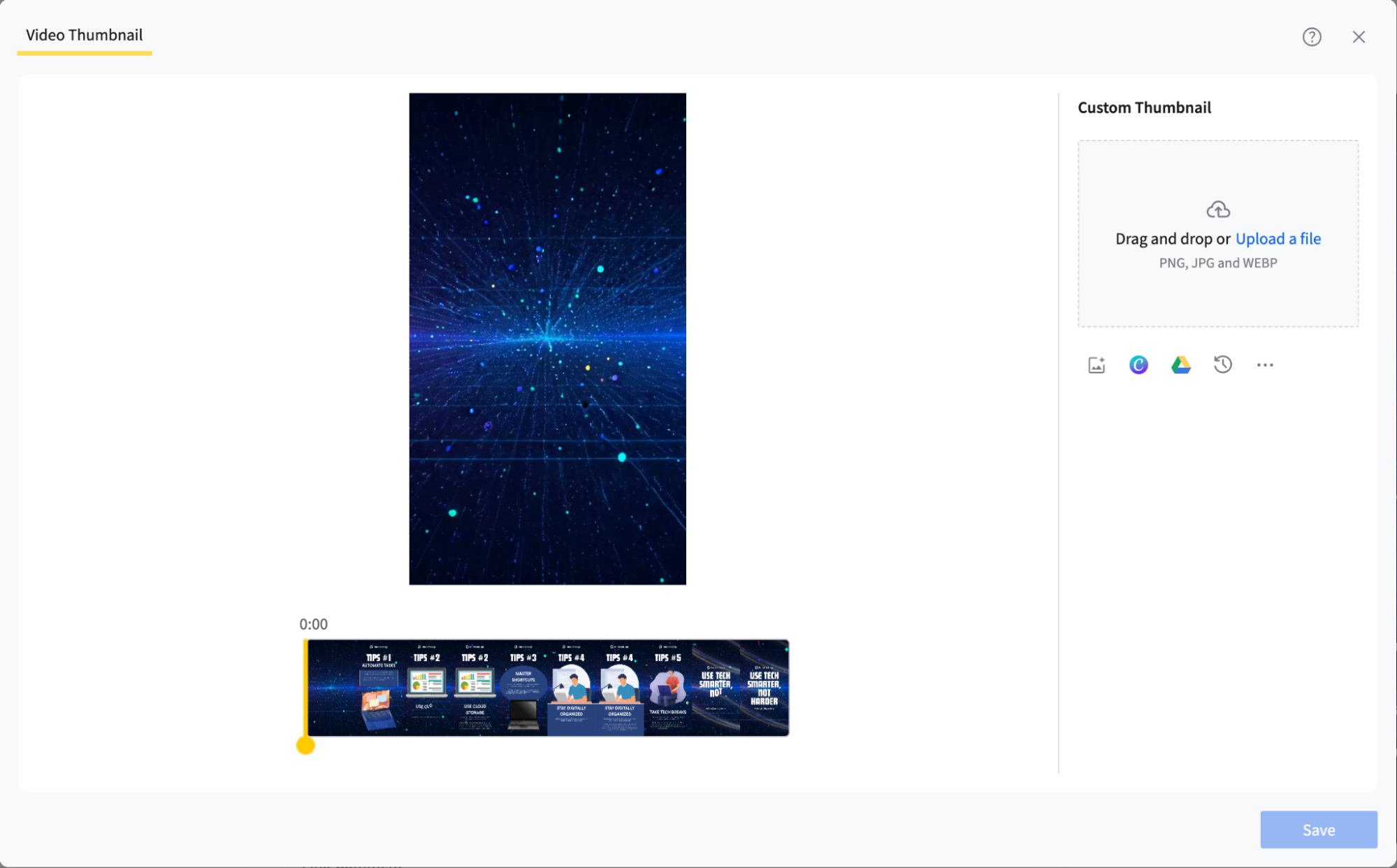
I also tested video publishing. SocialPilot let me add a title, change the thumbnail, upload a custom one, and work with the video before scheduling, with a timeline for choosing the frame that would represent it.
That is close to what most social schedulers offer. You can prepare a video for publishing, but there is no full editor with trimming, text, shapes and animation. If the creative work already happens in Canva, CapCut or Premiere, that is not a problem: it simply means SocialPilot is focused on publishing the finished asset rather than producing it.
Scheduling Added AI-Suggested Times
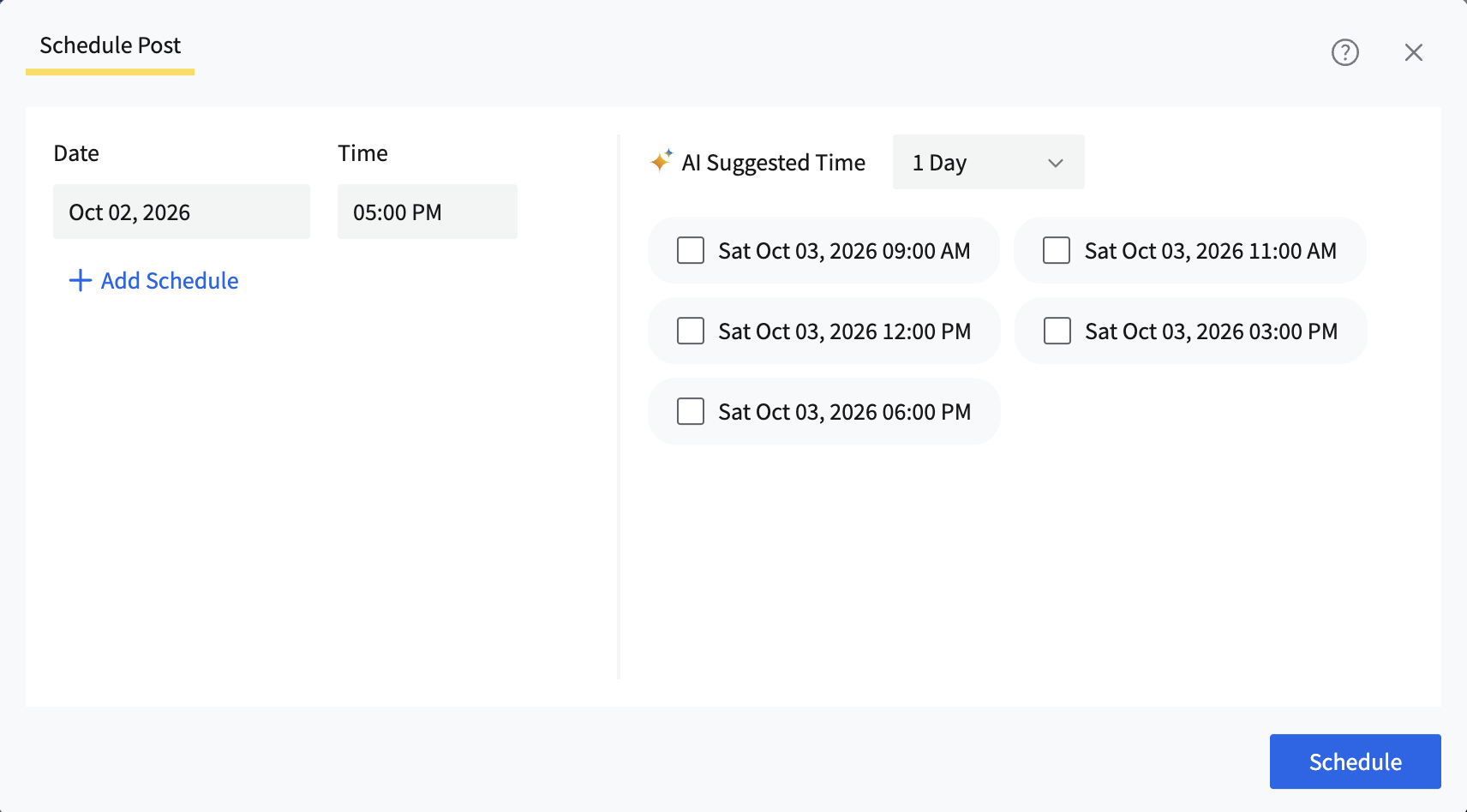
Moving into scheduling, SocialPilot gave me the standard date and time controls plus AI-suggested options for the following day.
I liked that the recommendation sits inside the scheduling step rather than on a separate analytics page: if I want to follow a suggested time I can do it while already making the publishing decision. I would still treat those times as guidance rather than a guarantee, since a launch, a time-sensitive announcement or an audience in another market may need something different. It gives the scheduler more context than a blank time field.
The Calendar Works, but the Month View Runs Tall
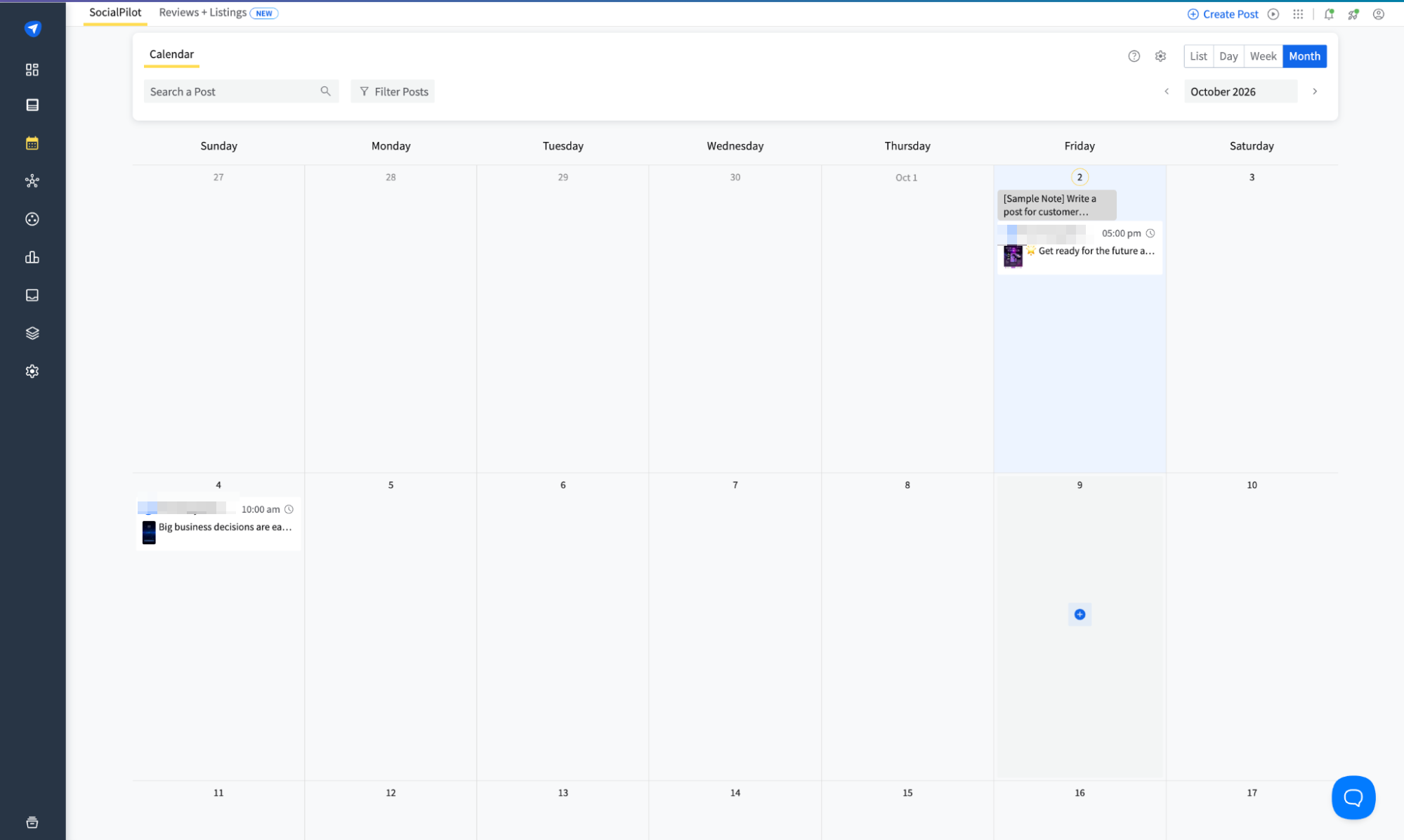
The calendar is functional but visually different from the compact month grids I am used to. The day columns are tall and rectangular, so on my screen I could see about two weeks at a time before scrolling.
That is a trade-off rather than a fault: individual posts get more room inside each day, at the cost of scanning the month quickly. List, Day and Week views are available too, so I would switch depending on whether I was planning broadly or reviewing individual posts. The calendar also distinguishes queued posts, unscheduled content, delivery errors and pending review states, which reinforces that it is one part of a wider publishing workflow rather than the whole product.
URL Shortening and UTM Templates Were the Quiet Highlights
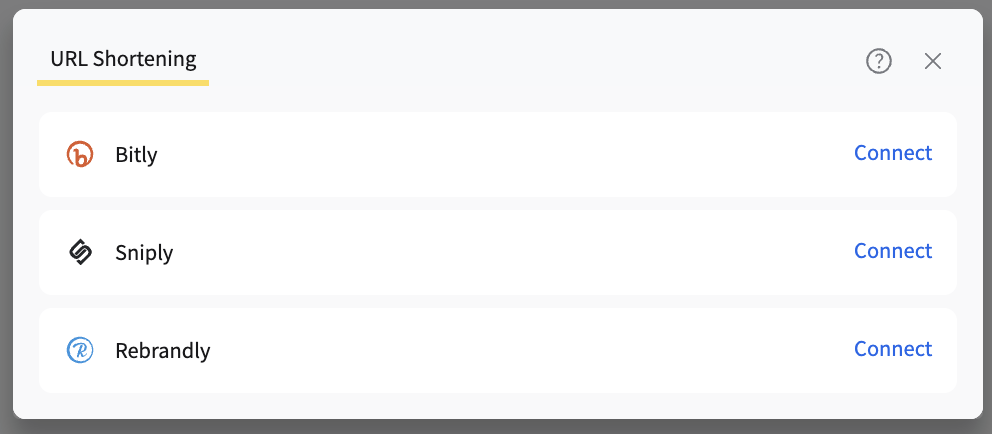
Two of the most useful setup options were not flashy at all. SocialPilot connects external URL shorteners including Bitly, Sniply and Rebrandly, which matters if a team already has a link-management workflow and does not want to abandon it just because posts are scheduled somewhere else.
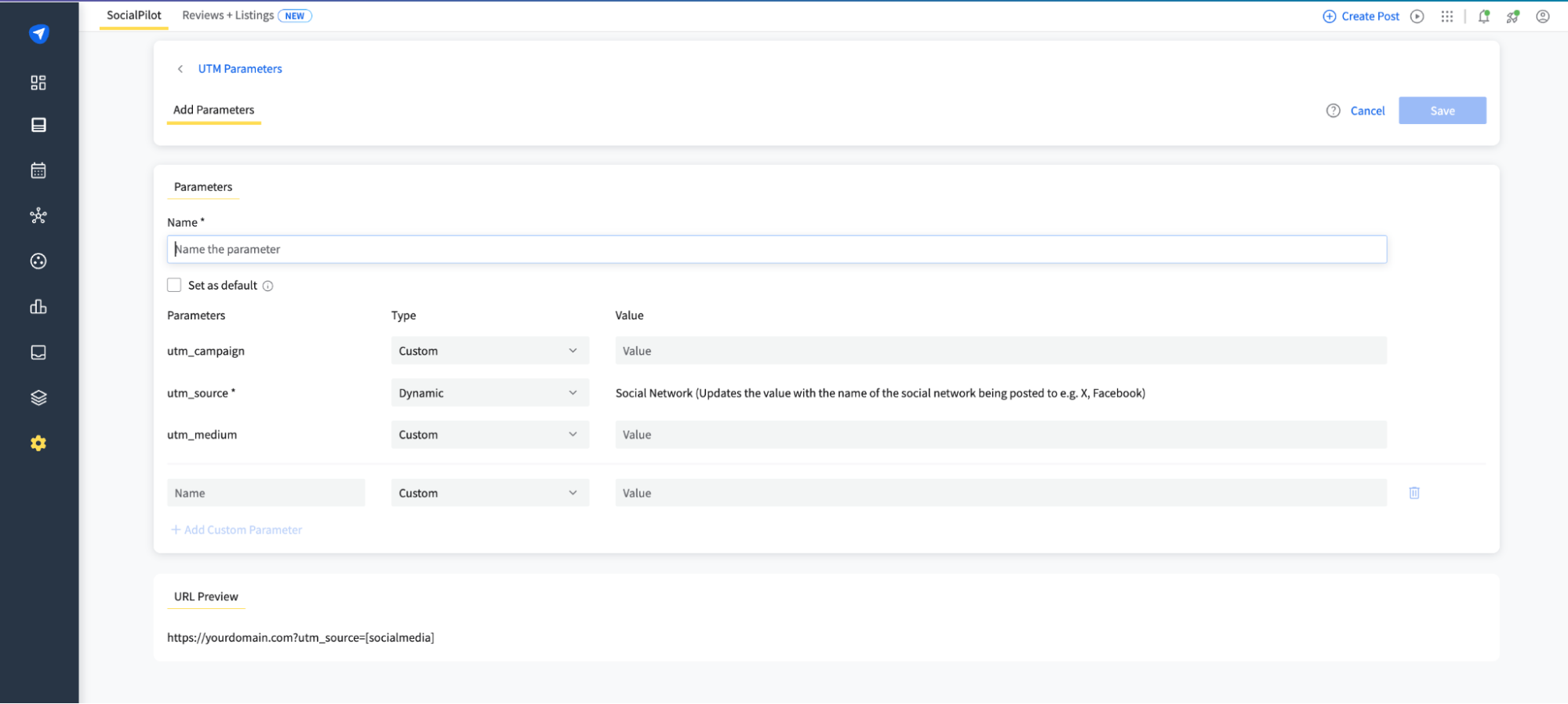
The UTM parameter setup interested me more. I could define standard campaign parameters, set some values manually, and use dynamic values such as the social network name for the source.
For agencies or performance-focused teams that is a meaningful advantage. Tracking conventions break because every person builds links slightly differently, and a reusable UTM setup removes that inconsistency before the post goes live. This was the feature that made SocialPilot feel operational rather than creative: it is not trying to make the post prettier, it is trying to make the campaign easier to measure later.
Feeds, Reporting and Inbox: What I Researched Rather Than Used
Under Setup I was able to work with feeds, adding sources and defining how frequently they are checked, with an Auto Sharing control pointing towards a more automated distribution workflow. For businesses that repeatedly share content from blogs or news sources, the feed becomes another content source inside the system rather than every post being a manual creation task.
Beyond that, several areas come from SocialPilot’s documentation rather than my own use, and should be read accordingly. The analytics and reporting layer includes customisable report dashboards, templates and competitor reports, positioned as something teams configure around the client or reporting need. The Social Inbox is designed to consolidate comments, messages and mentions. If the Inbox is the deciding feature, Agorapulse, which we later tested with a live account, puts it at the centre. Bulk Import targets larger content batches, and Custom Fields can personalise repeated posts across multiple accounts or locations.
I would not choose a platform because it has more menu items. The value depends on whether those tools remove real repetition from a team’s process, and that is something only a longer trial with a real account load would settle.
SocialPilot Is an Operations Tool, Not a Creative One
By the end of the test my impression had shifted from where it started at the composer.
Creating a post is fairly standard. The AI assistant is useful but needs a good prompt. The calendar works, though the month view is taller than I would like. Video handling is mostly about preparing the thumbnail and publishing details. None of that distinguishes SocialPilot from its competitors.
The distinctive parts are around the edges. Groups organise related profiles. Feeds create another source of reusable content. URL-shortener integrations preserve an existing link workflow. UTM templates make campaign tracking consistent. The dashboard surfaces tasks before they disappear into the account. AI-suggested times add context to scheduling.
For someone managing one small account, several of those are unnecessary. For an agency, a multi-location business or a team handling many accounts, repeated campaigns, links, approvals, feeds and reports, the small efficiencies add up. What I remember is not that SocialPilot scheduled the post, because most tools in this category can. It is that it kept giving me ways to standardise what happens around the post.